
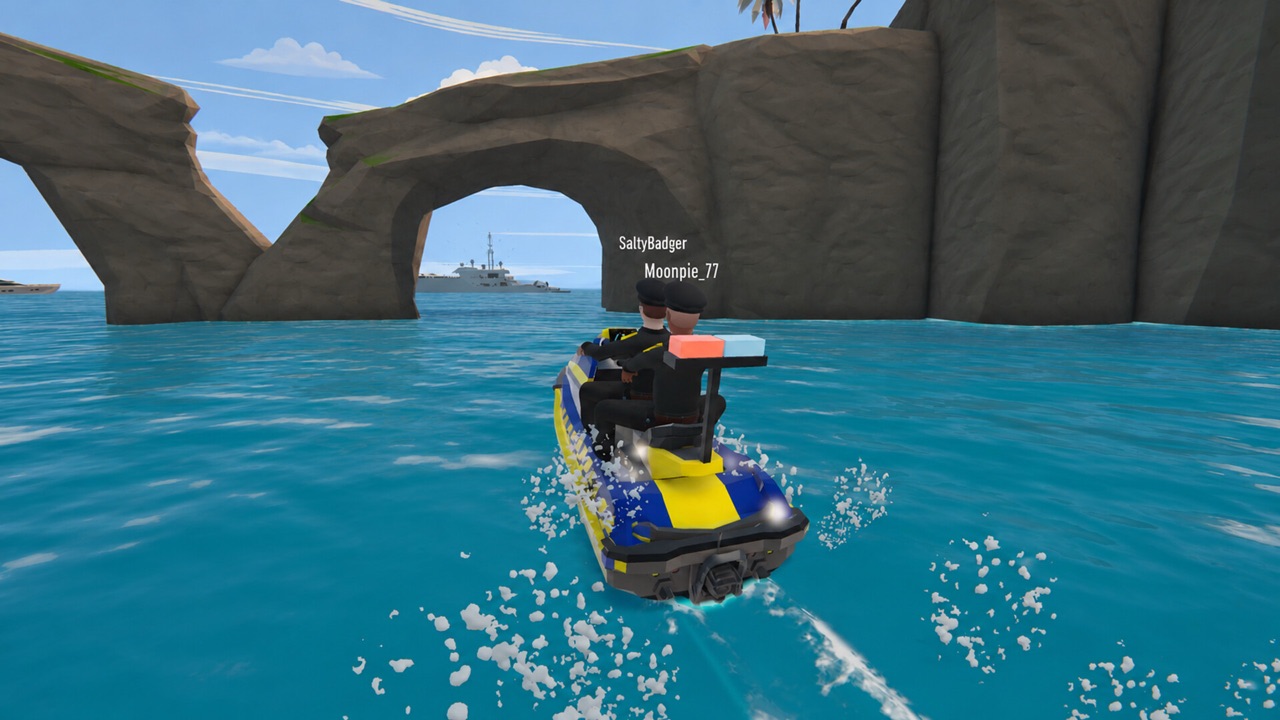
What Steam Lists
Steam's indexed full-game store data lists Partial Controller Support alongside Xbox Controllers and PlayStation Controllers. The store's feature categories include DualShock Controller Support and DualSense Controller Support. SteamDB's full-game metadata also records partial support and PlayStation controller categories. Shelfwatch's store mirror reports the same.
- Support level: Partial Controller Support.
- Xbox controllers: listed.
- PlayStation DualShock: listed.
- PlayStation DualSense: listed.
What Partial Support Means
On Steam, partial controller support means a controller works for some of the game but not necessarily all of it. Some menus or actions may still need mouse and keyboard. Keep a keyboard nearby, especially for lobby menus and entering a private room code. Test your setup before a match with friends.
Demo vs Full Game Labels
Older listings and the separate demo app showed full controller support labels. The demo was a separate Steam app, 5076290, so its wording applied to that build. The newer full-game metadata says partial. We follow the full-game status because it describes the game you will buy.
The demo's Steam page now redirects to the Steam homepage. See our demo page for its status. Its old full-support label no longer applies to anything you can install.
Known Keyboard Inputs
The developer documented some keyboard inputs in the October 17 demo patch. The police radio is picked up with H and dropped with G. Keys 1 to 4 switch siren modes. Handcuffing requires holding the button for two seconds.
Controller equivalents for these inputs are not documented. Check the controls menu in your build. See how to use handcuffs for the cuffing rules.
Controller Support on Other Platforms
The PlayStation version is listed for 2027. Console versions use a controller by design, but its controls have not been documented. No Xbox console version was found, so the Xbox controller label applies only to PC. See our Xbox page and PS5 page.
Which Roles Use Which Inputs
The police side has the most documented inputs. The radio uses H and G, sirens use keys 1 to 4, and handcuffs need a two-second hold. Suspects carry the body, move objects and clean evidence. Their exact inputs are not documented.
The UV flashlight's input is also unconfirmed. See the UV flashlight guide for what is known. Check the controls menu in your build for the full list.
Steam Deck and Handheld PCs
The sources we checked give no Steam Deck verification for this game. Partial controller support suggests some actions may need a touchscreen or keyboard on a handheld. The Windows requirements list an RTX 2060 as the minimum graphics card. We cannot confirm handheld performance.
System Requirements
The game needs a 64-bit processor and operating system, with 64-bit Windows 10 listed. The minimum spec names an AMD Ryzen 5 5600, 8 GB of RAM and an RTX 2060. The recommended spec names an Intel Core i5-12400, 16 GB of RAM and an RTX 4060. Both list DirectX 11 and 5 GB of storage.
Controllers in a Four-Player Match
Each player can choose their own input on their own PC, as matches are online. A friend on keyboard and a friend on a controller can play together. The game is built for one cop and three suspects. See how many players.
Lobby menus and private room codes may be easier with a keyboard. The private lobby feature came from the October 17 patch. Test your setup in the lobby before the match starts.
Languages and Other Features
Steam lists 14 interface languages for the game. Its features include online co-op, online PvP and Family Sharing. Steam tags it as Action, Casual and Indie. The developer is Crime Cleanup Co., and the publisher is Red Axe Games.
Reporting Controller Problems
If a button does not work, note the controller model and the action you tried. Report it in the official Steam discussions or on the developer's Discord. The developer said after the playtest that every bug report was valuable. Clear reports help it fix input issues faster.
After launch, check the developer's Steam announcements for patch notes that mention controllers. Mapping changes would be listed there. Re-test your setup after each update.
Setting Up a Controller on PC
Connect the controller before launching the game through Steam. Steam handles Xbox and PlayStation controllers through its own input settings. If a button does not respond in game, try mouse and keyboard for that action. Report persistent issues in the official Steam discussions.
Mappings may change after launch. The developer said it is working on fixes based on playtest reports. Check the controls menu after each update.
Frequently Asked Questions
Does No Body No Problem! support controllers?
Yes, partially. Steam lists Partial Controller Support for the full game.
Can I use an Xbox controller?
Yes. Steam lists Xbox controllers for the PC version.
Does the PS5 DualSense work on PC?
Steam lists DualSense and DualShock controller support categories.
Is the game fully playable with a controller?
Not guaranteed. Partial support means some actions may still need mouse and keyboard.
Is it Steam Deck verified?
No Steam Deck verification was found in the sources we checked.
Which keys does the police radio use?
H picks up the radio and G drops it, per the October 17 demo patch.
Can controller and keyboard players play together?
Yes. Each player uses their own input on their own PC in online matches.
Where do I report controller bugs?
In the official Steam discussions or on the developer's Discord.
Gameplay Video
Sources and Further Reading
- No Body No Problem! — official Steam store page (app 4954970)
- SteamDB — full-game app metadata (4954970)
- Shelfwatch — Steam listing and controller metadata
- Developer — “New Feature: Hand Cuffing Update” (October 17, 2026)
- Developer — “Playtest Is Over, Full Release Coming November 26!” (November 21, 2026)